
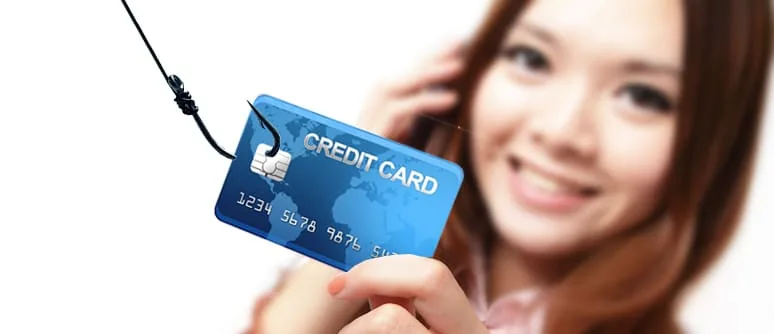
To protect yourself from phishing scams, treat unexpected emails, texts, and messages that ask for logins, banking details, or one-time codes as hostile until you verify them through a number or site you already trust. Phishing works by impersonating banks, CRA, courier companies, or other familiar brands so you click a fake link or reply with personal data.
What is a phishing scam?
Phishing is social engineering: fraudsters send messages that look legitimate and push you to share credentials, payment details, or remote-access permissions. Common lures in Canada include fake bank alerts, CRA refund or “debt” notices, delivery holds, password resets, and prize or investment offers. Related email tricks also include data entry phishing, where fake forms harvest SIN, passport, or banking data.
How do you spot phishing before you click?
- Reputable organizations will not ask for passwords, full SIN, or one-time codes by email or text.
- Hover (or long-press) links, the real destination often differs from the brand name shown.
- Watch for urgency (“act now or lose access”), poor grammar, unexpected attachments, or slight misspellings in the sender address.
- Never open your bank or CRA account from a link inside an unsolicited message, type the official URL yourself or use the app you already installed.
- Unsolicited callback numbers in texts can be traps; see area code scams to avoid.
What should you do if you already clicked or replied?
- Change passwords on the affected account and on email (use a unique password and multi-factor authentication).
- Call your bank or card issuer from a number on your card or their official site not from the message.
- Document screenshots, dates, and sender addresses.
- Report the incident to the Canadian Anti-Fraud Centre and, if money moved, to local police.
If an account was taken over, new credit opened, or identity details were exposed, follow steps in our identity theft guide and consider a structured digital investigation when you need evidence for counsel or insurers.
How can you reduce phishing risk day to day?
- Use unique, long passwords (or a password manager) and turn on MFA wherever offered.
- Limit what you share publicly about travel, dates of birth, and contact details.
- Be skeptical of unsolicited investment, contest, or “verify your account” messages.
- Monitor bank and credit-card statements for unfamiliar charges.
- Keep devices updated and avoid installing software from links in unexpected emails.
Broader habits that also help are covered in how to protect yourself from scammers, hackers, and thieves.
Need help after a phishing loss in Ontario?
Investigation Hotline supports individuals and businesses across Toronto and Ontario with fraud-related inquiries. Call (416) 205-9114 for a confidential consultation.
To learn more, contact Investigation Hotline at