
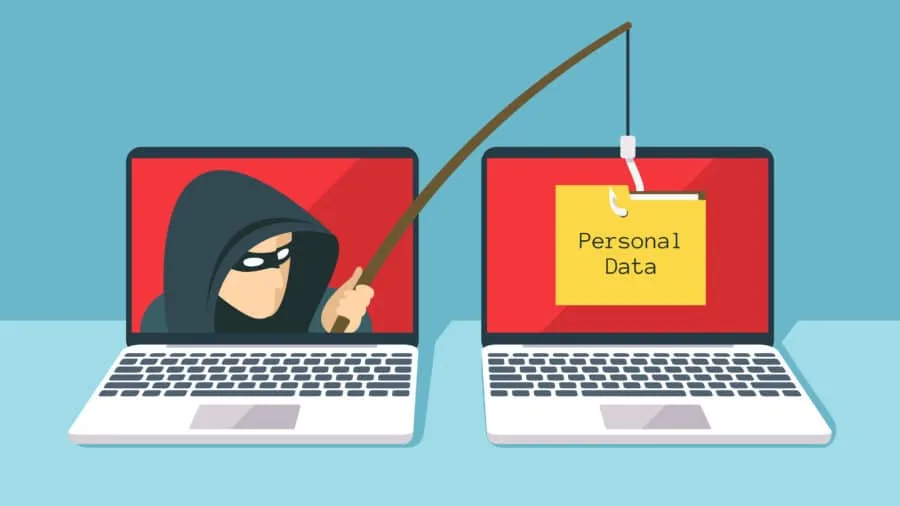
What is phishing? Phishing is a social-engineering scam that tricks people into giving up passwords, money, or personal data through fake messages that look legitimate. Investigation Hotline is a licensed Ontario firm that documents online fraud and account compromise for clients across Toronto and the GTA. This Phishing 101 guide covers the definition, common email traps, and first responses. For fake-form attacks specifically, read what is data entry phishing. For a deeper prevention checklist, see how to protect yourself from phishing scams.
What is phishing?
Phishing is deception delivered by email, text, phone, ads, or messaging apps. The attacker impersonates a bank, courier, employer, government office, or friend, then pushes you to click, download, reply, or transfer money. Goals include account takeover, payment theft, malware installation, and identity theft. Spam is usually noise. Phishing is spam with a trap attached.
Who this helps: anyone who needs a clear phishing definition before they act on a suspicious message.
What professionals provide: digital evidence gathering after compromise, not antivirus software.
What this is not: proof that every odd email is phishing, or advice to hack the sender back.
How do phishing emails usually work?
Most phishing emails use a call to action such as “verify your account,” “update payment,” or “track your package.” The link leads to a lookalike site, the attachment installs malware, or the reply itself harvests data. Scammers create urgency with fear, curiosity, greed, or compassion so you act before you check. They may spoof the display name while using a different real address. Related credential and form traps are covered in our data entry phishing guide; broader habits sit on the protection page.
How can you recognize a phishing email?
- Unexpected urgency about accounts, refunds, deliveries, or security locks.
- Generic greetings like “Dear customer” instead of your real name.
- Mismatched sender details between the display name and the actual email address.
- Odd links or domains with misspellings, extra words, or shortened URLs.
- Spelling, tone, or logo errors that do not match the real organization.
- Requests for passwords, SINs, or one-time codes by email or chat.
- Mass addressing that looks like a newsletter asking for private data.
What should you do if you receive a phishing email?
Do not click links, open attachments, or reply with personal data. Open the real site by typing the official address or using a saved bookmark. If the message claims to be from a coworker or friend, confirm by a separate known channel. Report the message to the impersonated organization when practical, then delete or quarantine it. If you already clicked or entered details, change passwords, enable multi-factor authentication, alert your bank, and review have I been hacked. When money moved or accounts stay compromised, a digital investigation can help preserve the trail for banks, counsel, or police.
Frequently asked questions
Is phishing only email?
No. Email is common, but phishing also happens by SMS (smishing), voice calls (vishing), social DMs, and fake ads.
Is phishing the same as malware?
Not always. Some phishing only steals credentials through fake pages. Other campaigns deliver malware through links or attachments.
When should I hire a private investigator after phishing?
Hire help when funds were stolen, identity misuse continues, or you need documented evidence beyond a password reset.
Need help after a phishing scam in Ontario?
Investigation Hotline serves Toronto and the GTA. Call (416) 205-9114 for a confidential consultation if phishing led to account takeover, fraud, or identity theft.
To learn more, contact Investigation Hotline at